What Workflow Automation Actually Means for a Small Business
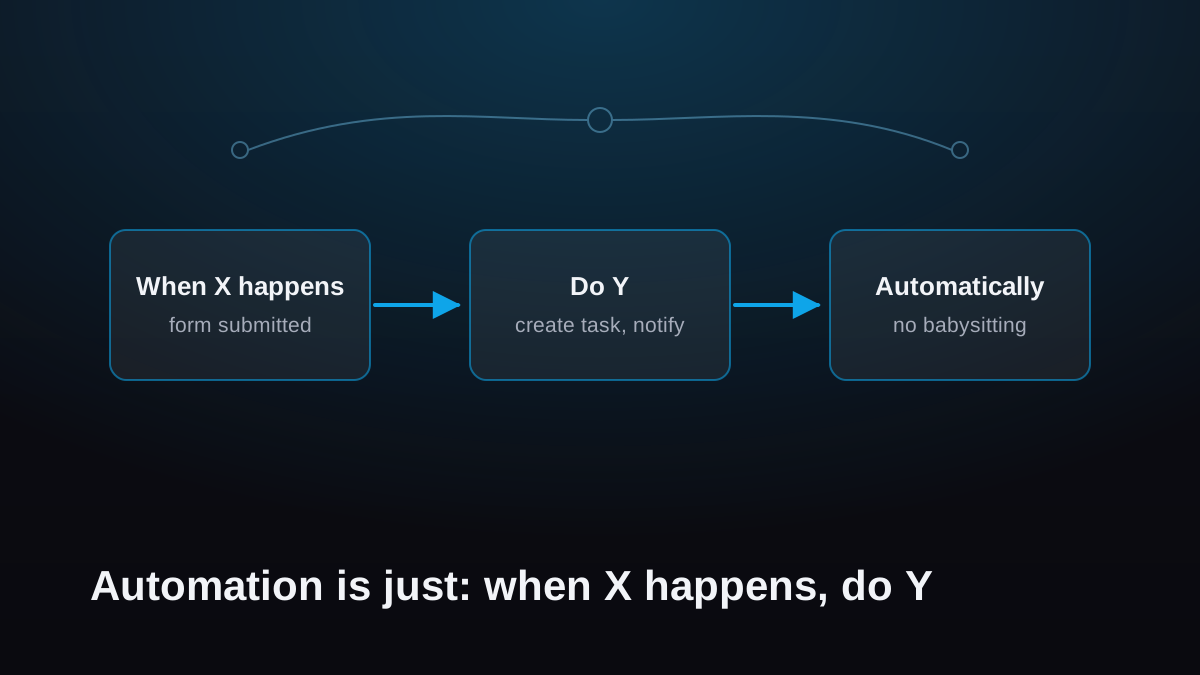
Workflow automation is just "when X happens, do Y automatically." It doesn't replace judgment and it doesn't require new software. Pick the one repetitive task that annoys you most, automate that, and build from there.
Say "automation" to a small business owner and they picture one of two things: robots on an assembly line, or a six-figure software project with consultants who never leave. Neither one is what this is.
What is workflow automation, in plain terms?
It's a rule: when X happens, do Y automatically. That's the whole concept. When a form gets submitted, create a task. When an invoice hits seven days overdue, send a reminder. When a job is marked complete, email the customer and file the paperwork. Things your business already does, happening without a person having to remember them.
No robots. No one gets replaced. The judgment calls stay exactly where they are, with you. What goes away is the remembering, the copying, and the chasing.
What does it look like in practice?
Three examples, all real patterns from businesses I've worked with:
- The intake. Someone fills out your website form. Before anyone touches a keyboard, a task exists in your project tracker with every detail attached, the customer has a confirmation email, and the right person got a notification. Nothing sat in an inbox. Nothing got retyped.
- The unpaid invoice. An invoice goes seven days past due. A polite reminder goes out on its own. Seven more days, a firmer one, and a note lands in front of you so you can decide whether to call. You stopped being the person who has to remember who owes what.
- The new client. A client signs. The welcome email, the intake form, the folder structure, and the kickoff task list all appear in the time it takes to pour a coffee. Every client gets the same solid start, whether you're having a good week or a chaotic one.
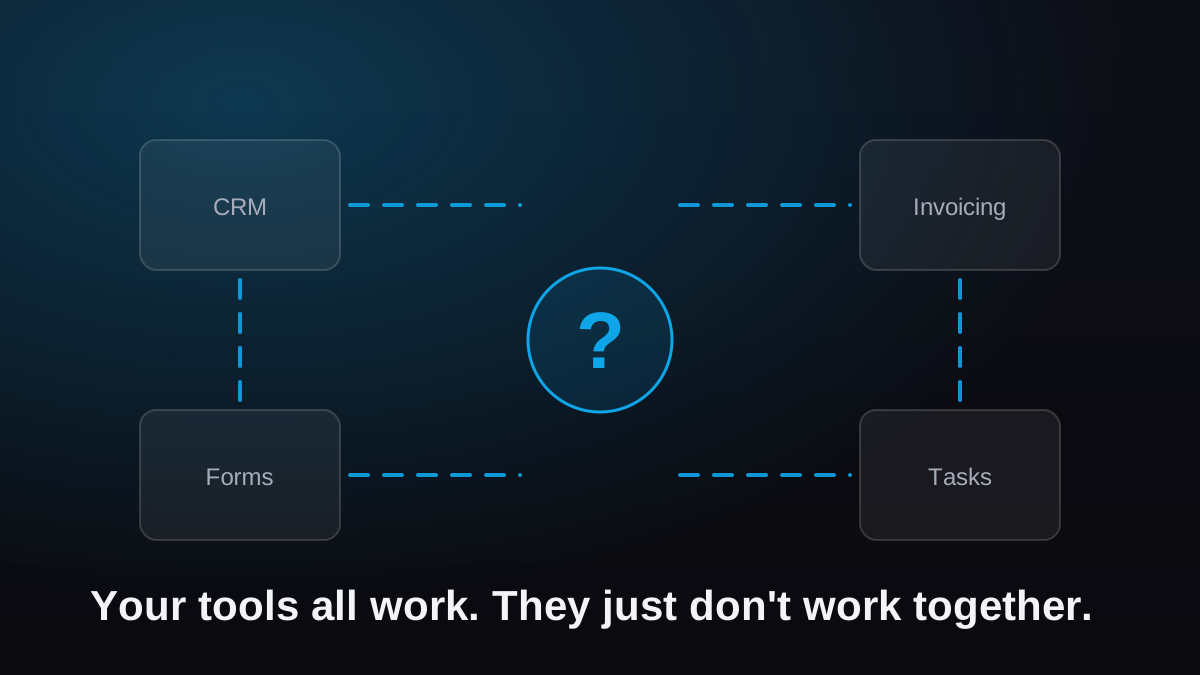
None of these are exotic. Each one is a rule wired between tools you probably already pay for. If your tools aren't connected yet, these five signs will tell you.
What does it cost?
Less than the problem does. Do the math on one task: fifteen minutes a day of manual data entry is roughly 60 hours a year. Price those hours at what your time is actually worth and most automation projects pay for themselves inside a few months. The building blocks are cheap or free. What you're really paying for is someone mapping the process correctly and wiring it up so it doesn't fall over.
What automation won't do
It won't make decisions for you. It won't smooth over a process that's genuinely broken, and it won't fix a workflow nobody can describe. Automating a mess just produces the mess faster. I've seen it, and un-picking it costs more than doing it right the first time.
That's why the first step is never the software. It's writing the process down. Once the steps are on paper and everyone agrees that's how it works, automating them is the easy part. Document first, automate second. That order is non-negotiable, and it's the core of how we work at MKM Logic.
Where should you start?
Not with a grand plan. Pick the one repetitive task that annoys you the most. The one that makes you sigh when it shows up. Write down its steps, wire it to run itself, and live with it for a couple of weeks.
Then notice what happens: you stop thinking about it. That mental space is the real product. Once you feel it, you'll start spotting automation candidates everywhere, and you'll have a working example that proves the next one is worth doing.